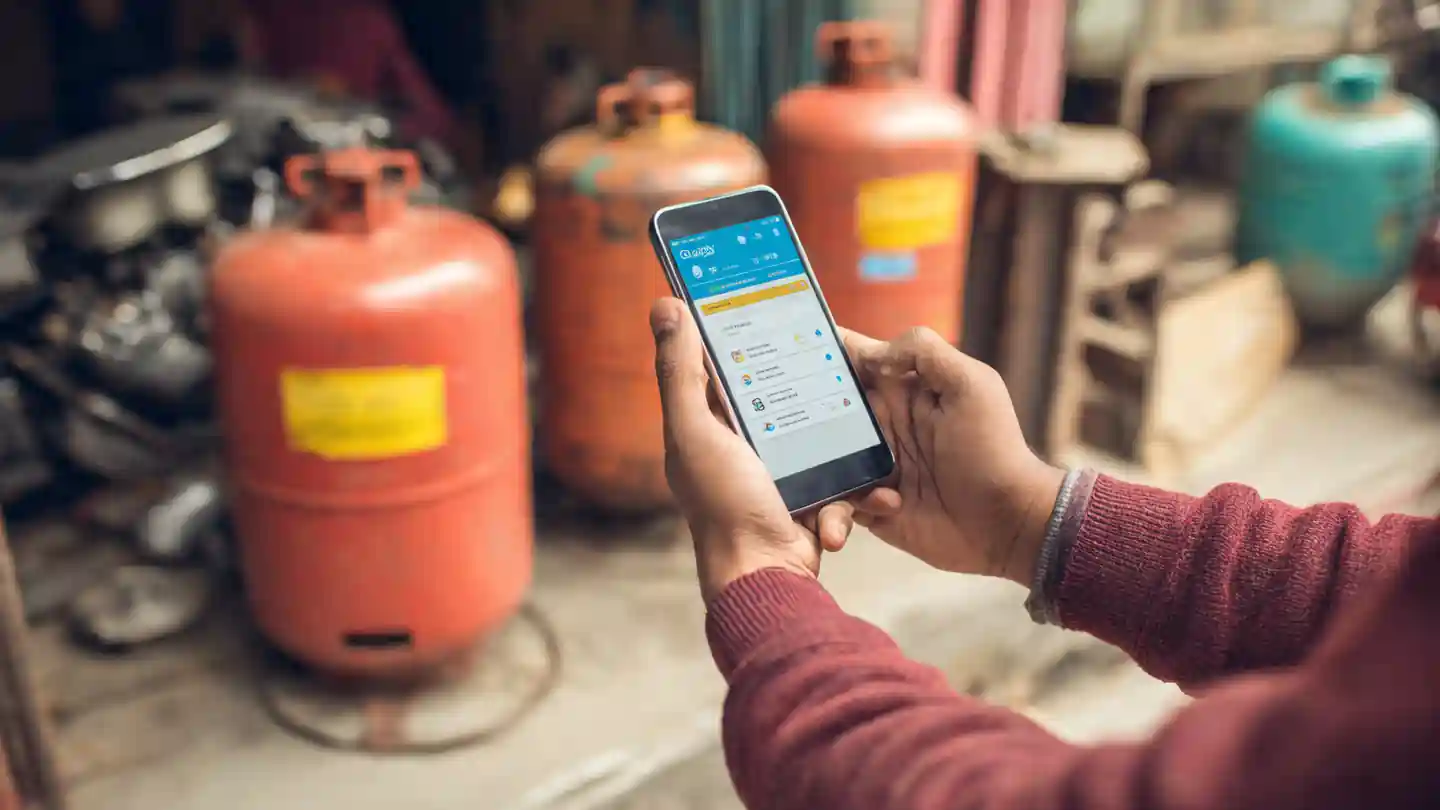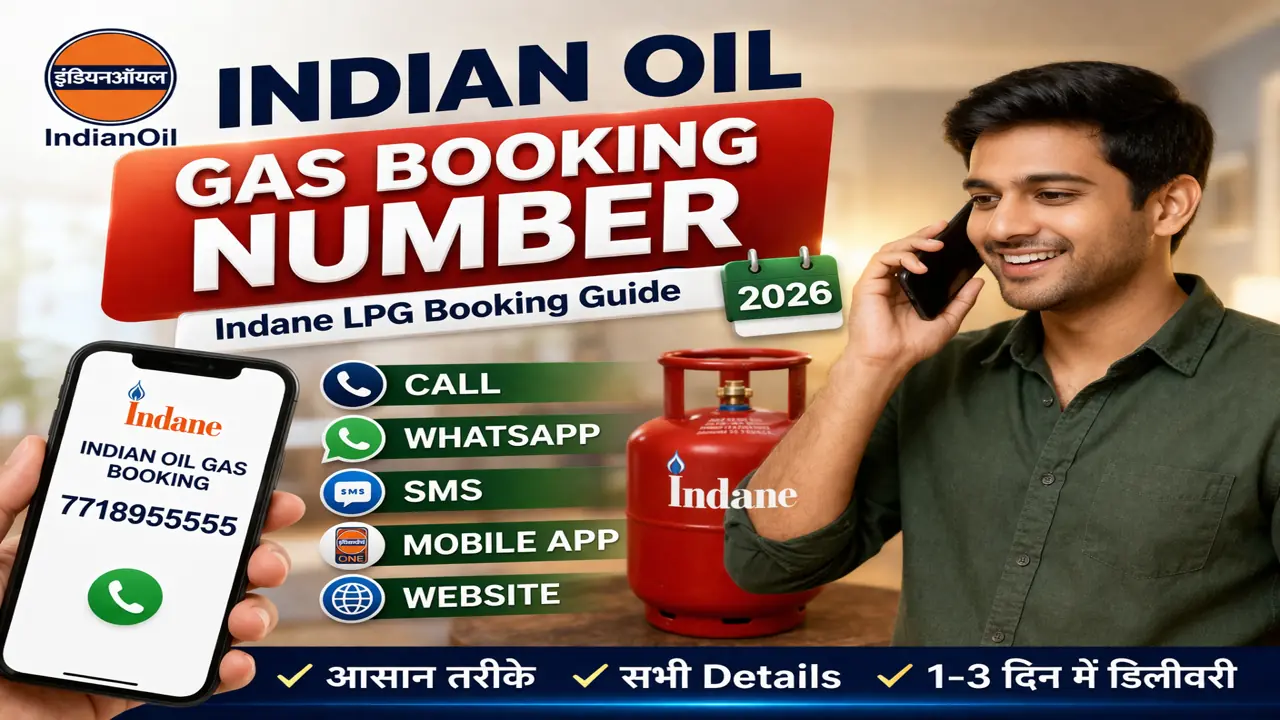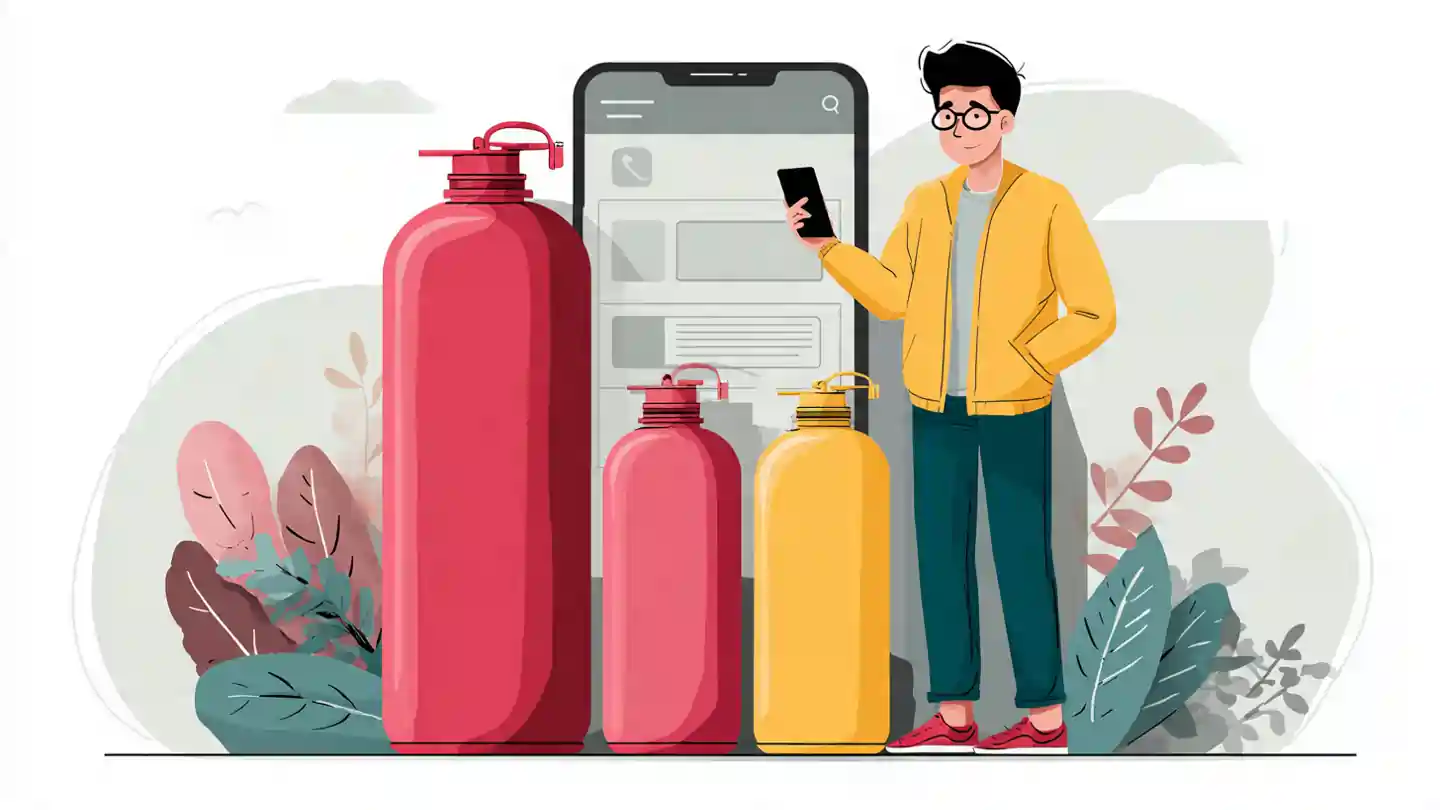
Booking your LPG cylinder online has never been easier. With the rise of digital platforms like MyLPG.org, you can now reserve your gas cylinder, make payments, and track delivery from the comfort of your home. This guide will take you step by step through the process, making it simple for every user, whether new or experienced.
Why Choose Online LPG Cylinder Booking?
Booking your LPG cylinder online offers several advantages:
- Convenience: Book anytime, anywhere without visiting the gas agency.
- Time-Saving: Avoid standing in long queues.
- Track Delivery: Real-time updates on your cylinder delivery status.
- Secure Payments: Multiple digital payment options for safety and ease.
- Offers & Discounts: Some platforms provide cashback or promotional offers.
Online booking ensures that your LPG needs are met efficiently and securely.
Step by Step Guide to Book LPG Cylinder Online via MyLPG.org
Step 1: Visit MyLPG.org
Go to the official website MyLPG.org. You will see options for New Booking, Payment, and Status Tracking.
Step 2: Select Your LPG Distributor
Choose your LPG company (Bharat Gas, HP Gas, or Indane Gas) and enter your registered LPG customer ID.
Step 3: Login or Register
- If you are a new user, register with your name, contact number, email, and LPG ID.
- Existing users can login using their credentials.
Step 4: Select Booking Type
- Regular LPG Cylinder Booking for home delivery
- Refill Booking if you have already booked before
Step 5: Enter Cylinder Details
Provide the number of cylinders you want and confirm the delivery address.
Step 6: Make Online Payment (Optional)
You can pay online using net banking, UPI, credit/debit cards, or choose Cash on Delivery if supported by your distributor.
Step 7: Confirm Booking
Check all details carefully, then click on Confirm Booking. You will receive a booking reference number for tracking.
Step 8: Track Your Cylinder
Use the booking number to track your cylinder delivery on the website or via the official LPG company app.
Tips for Smooth Online Booking
- Keep your LPG customer ID ready.
- Make sure your mobile number is updated with the LPG distributor.
- Prefer digital payment for faster confirmation.
- Check delivery status regularly to plan accordingly.
- Contact the distributor directly if there is any delay in delivery.
Benefits of Using MyLPG.org
- User-Friendly Interface: Easy navigation and quick booking.
- Secure Transactions: Your payments are encrypted and safe.
- All Distributors Covered: Bharat Gas, HP Gas, and Indane Gas supported.
- Booking History: View past bookings for easy reference.
- Customer Support: Quick help in case of booking or delivery issues.
Using MyLPG.org ensures a hassle-free LPG experience, saving time and energy for daily cooking needs.
📖 Read Also
1️⃣ LPG Gas Cylinder Price Today
2️⃣ Ujjwala Yojana जानकारी
3️⃣ KisanSuvidha Goverment Scheme
4️⃣ Bajrang Baan PDF – बजरंग बाण पाठ, लाभ और महत्व
5️⃣ Shiv Stuti Lyrics – शिव स्तुति का पाठ और अर्थ
FAQs
Visit MyLPG.org, select your distributor, login or register, enter cylinder details, make payment, and confirm booking.
Yes, MyLPG.org supports net banking, UPI, credit/debit cards, and some distributors allow cash on delivery.
After booking, use your booking reference number on MyLPG.org or the distributor’s official app.
Yes, the platform uses secure encryption for payments and personal details.
Yes, you can book the number of cylinders you require, based on your distributor’s rules.