In today’s fast-paced world, knowing the status of your LPG gas booking is essential to plan your household cooking efficiently. Whether you booked your LPG cylinder online or through an offline method, checking the booking status helps ensure timely delivery.
This detailed guide explains how to check LPG gas booking status, different methods available, and tips for hassle-free tracking using MyLPG.org or official distributor apps.
Why Checking LPG Gas Booking Status is Important
Checking your LPG gas booking status provides several benefits:
- Confirm Delivery: Ensures your cylinder will reach on time.
- Avoid Double Booking: Prevents accidental multiple bookings.
- Track Delays: Know immediately if there’s any delivery issue.
- Peace of Mind: Helps plan cooking and other household activities.
- Digital Record: Maintain history of past bookings for reference.
With MyLPG.org and official apps, tracking has become easier and faster than ever.
Methods to Check LPG Gas Booking Status
There are multiple ways to check LPG gas booking status in India. Let’s explore each step by step:
Method 1: Check LPG Booking Status on MyLPG.org
Step 1: Visit MyLPG.org
Step 2: Click on “Check Booking Status”
Step 3: Select your LPG distributor – Bharat Gas, HP Gas, or Indane Gas
Step 4: Enter your LPG consumer number or registered mobile number
Step 5: Click on Submit / Track
You will see the current status of your cylinder – whether it’s booked, dispatched, or delivered.
Tip: Keep your booking reference number handy for faster tracking.
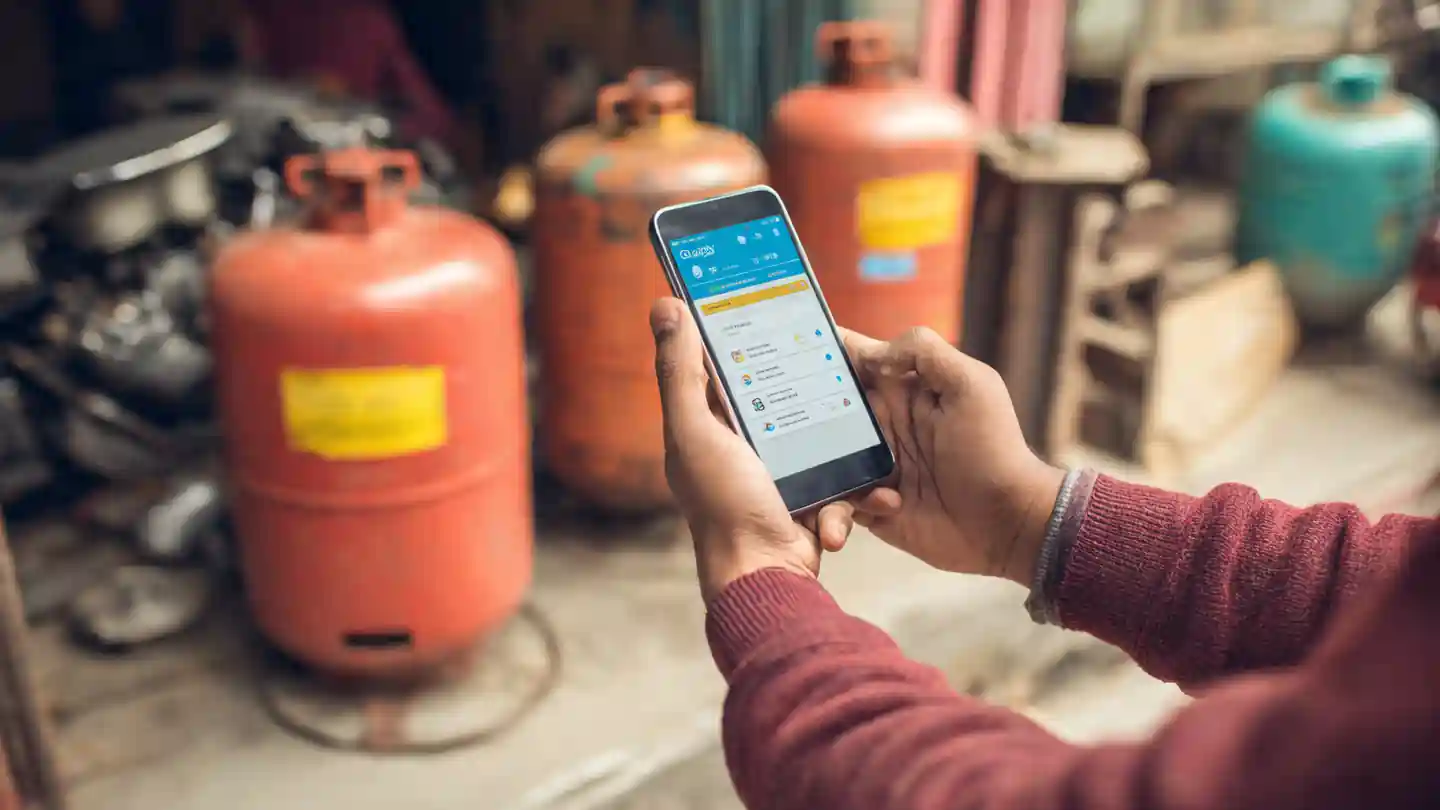
Method 2: Using the Distributor’s Official App or Website
Most LPG companies provide apps and websites for booking and tracking.
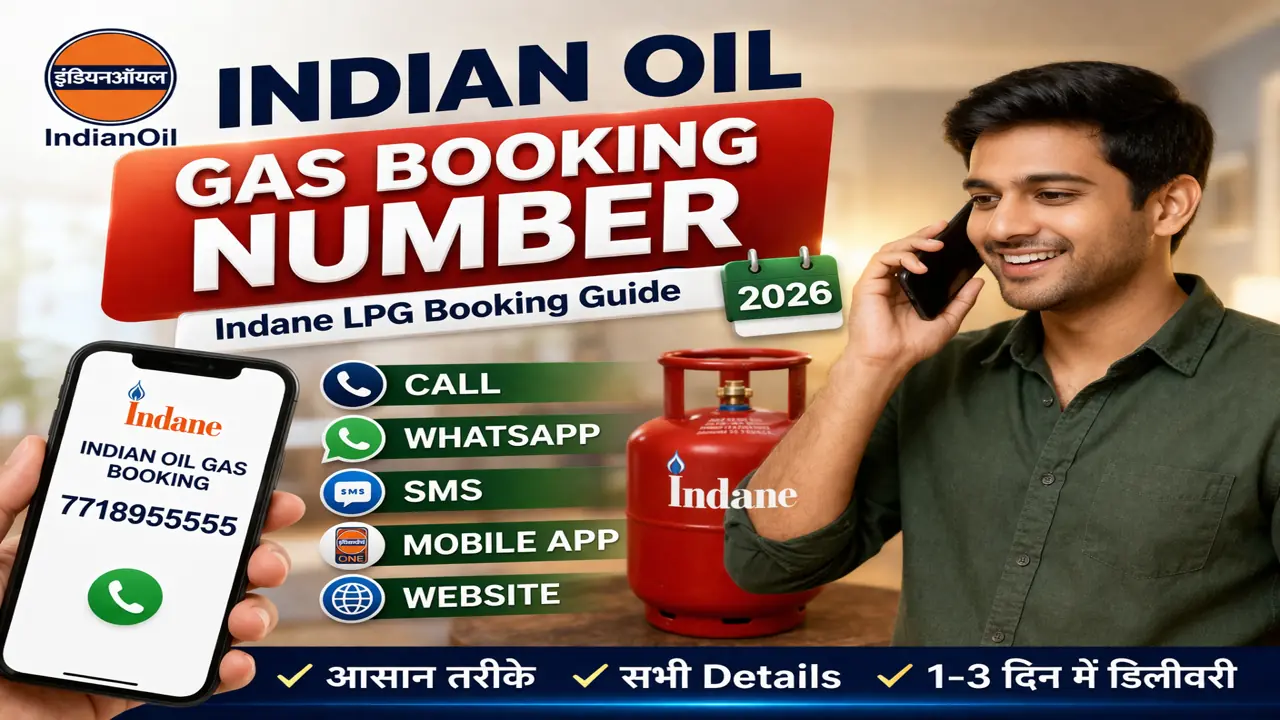
- Indane Gas (Indian Oil): Indane Gas Mobile App or Indane Official Website
- Bharat Gas (BPCL): Bharat Gas App or BPCL Official Website
- HP Gas (Hindustan Petroleum): HP Gas App or HPCL Official Website
Steps:
- Open the app or website
- Login using LPG consumer ID
- Navigate to Booking / My Bookings
- Click on Track Booking / Status
You can view live updates on your cylinder dispatch, expected delivery date, and delivery completion.
Method 3: SMS Alert for LPG Booking Status
Most distributors provide SMS alerts after booking:
- You receive an SMS confirming booking ID and delivery schedule
- You can reply or use the link in SMS to track the delivery
Ensure your mobile number is registered with the distributor to receive timely updates.
Method 4: Call the Distributor’s Customer Care
If online methods don’t work, you can call your LPG distributor:
- Indane Gas: 1800-2333-555
- Bharat Gas: 1800-22-5353
- HP Gas: 1800-11-3333
Provide your LPG consumer ID and ask for the current status of your cylinder booking.
Steps to Track LPG Cylinder Delivery Online
Once your booking is confirmed, you can track delivery using these simple steps:
- Visit MyLPG.org or distributor app/website
- Enter LPG consumer number or booking reference
- Click Track Booking / Status
- Check whether the cylinder is:
- Booked – Your order is confirmed
- Dispatched – Cylinder is on the way
- Delivered – Cylinder has been delivered
Tip: Some apps also provide a map view showing the delivery person’s location.
Benefits of Checking LPG Booking Status Online
- Real-Time Updates: Know instantly about dispatch and delivery
- Avoid Delays: Follow up if delivery is late
- Record Keeping: Maintain digital records of all bookings
- Convenience: Check anytime, anywhere without visiting the gas agency
- Peace of Mind: Stay informed and plan household activities efficiently
Tips for Smooth LPG Booking and Tracking
- Always keep your consumer ID updated
- Ensure mobile number is linked for SMS notifications
- Prefer online payments for faster booking confirmation
- Bookmark MyLPG.org or your distributor’s tracking page for quick access
- Contact customer care immediately if your status shows delay or error
Common Problems While Checking LPG Status
- Booking Not Found:
- Make sure you entered the correct consumer ID or mobile number
- Status Not Updated:
- Wait for a few hours; sometimes updates take time to reflect
- App Crashes or Website Down:
- Use alternate methods, like SMS or customer care
- Multiple Bookings Confusion:
- Keep a digital or physical record of each booking reference
Prerequisites for Online Tracking
- LPG Consumer Number
- Registered Mobile Number
- Booking Reference Number (if available)
- Stable internet connection
Why MyLPG.org is Recommended
- User-Friendly Interface: Easy to navigate for beginners
- Multiple Distributors Supported: Bharat Gas, HP Gas, Indane Gas
- Secure Platform: Personal and payment details are safe
- Live Status Updates: Real-time delivery tracking
- Support Available: Assistance in case of errors or delays
Using MyLPG.org ensures a hassle-free booking and tracking experience.
📖 Read Also
1️⃣ LPG Gas Cylinder Price Today
2️⃣ Ujjwala Yojana जानकारी
3️⃣ KisanSuvidha Goverment Scheme
4️⃣ Bajrang Baan PDF – बजरंग बाण पाठ, लाभ और महत्व
5️⃣ Shiv Stuti Lyrics – शिव स्तुति का पाठ और अर्थ
FAQs
Q1. How can I check LPG gas booking status online?
Visit MyLPG.org or your distributor’s official website/app, enter your LPG consumer ID, and track the status.
Q2. Can I check my LPG delivery status using SMS?
Yes, distributors send SMS alerts with booking ID and delivery schedule.
Q3. What if my LPG booking status shows delay?
You can contact the customer care of your distributor to follow up.
Q4. Is online tracking of LPG safe?
Yes, platforms like MyLPG.org use secure encryption for personal and payment details.
Q5. Can I track multiple LPG bookings at once?
Yes, you can track each booking using its booking reference number or consumer ID.