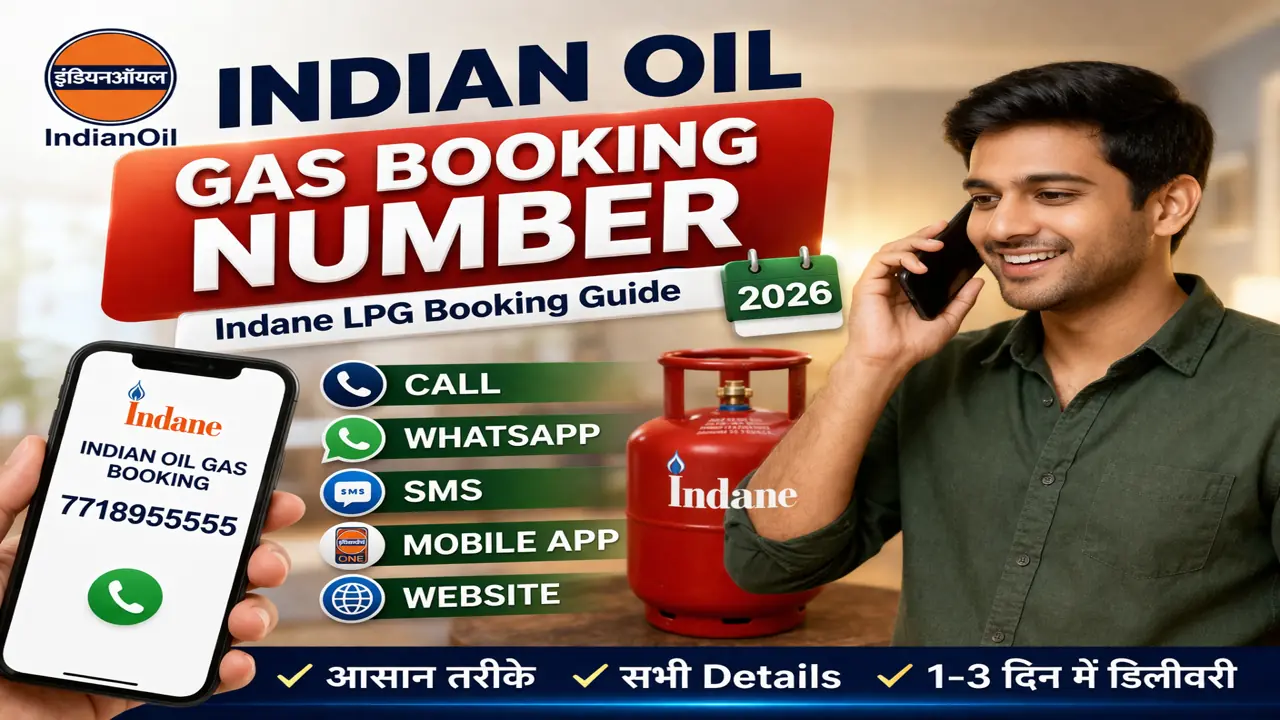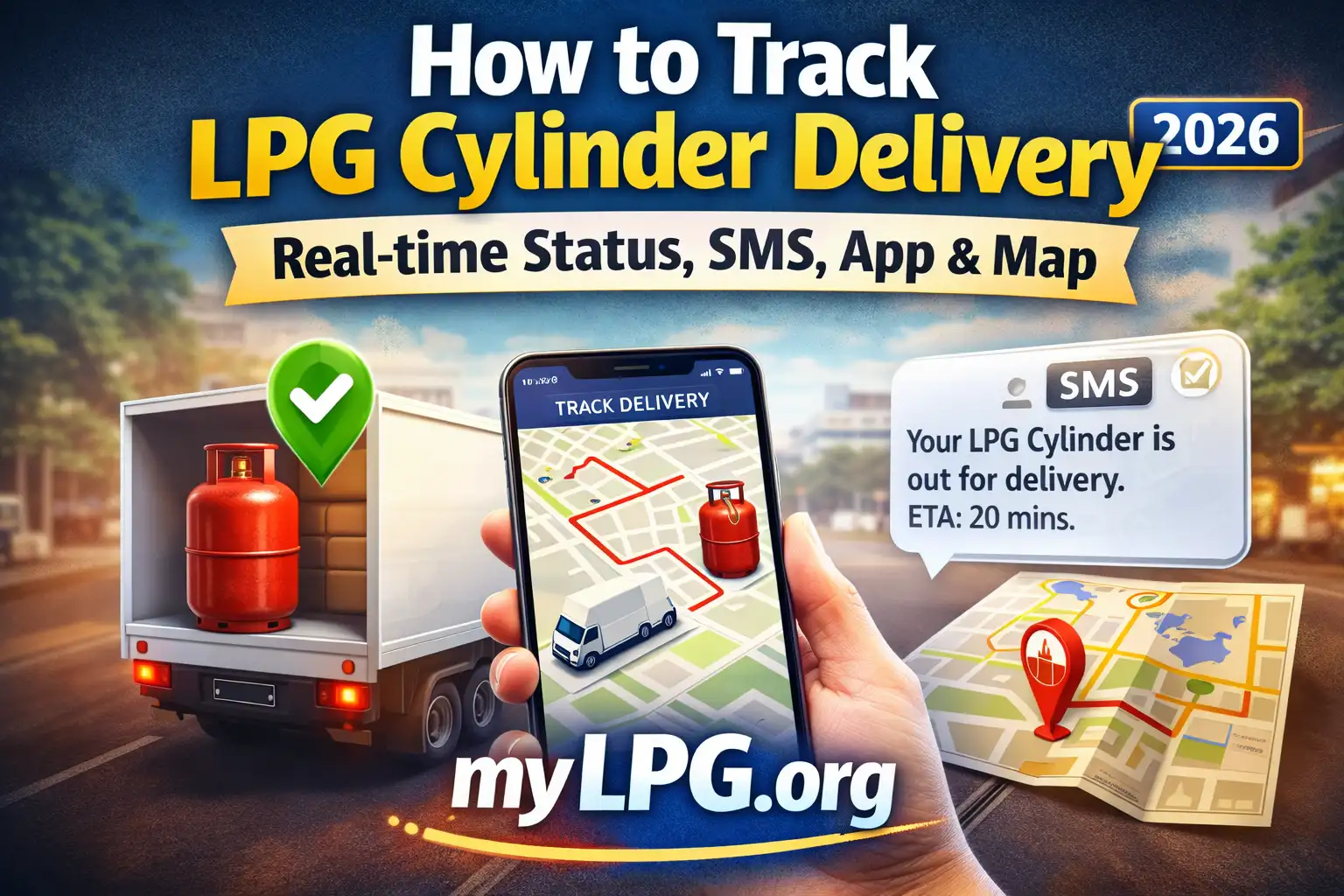
आज के समय में LPG सिलेंडर हर घर की बुनियादी ज़रूरत है। लेकिन असली परेशानी तब शुरू होती है जब सिलेंडर बुक तो कर दिया जाए, पर डिलीवरी कब होगी, कहाँ अटकी है, या सही में बुक हुआ या नहीं—यह समझ नहीं आता। इसी लिए LPG Gas Booking Status Check करना बहुत ज़रूरी हो गया है।
इस पोस्ट में मैं आपको बिल्कुल सरल, practical और step-by-step तरीके से समझाऊँगा—जैसे कोई घर का बड़ा भाई समझाता है, न कि कोई technical manual।
LPG Gas Booking Status Check क्यों ज़रूरी है?
मान लीजिए आपने सिलेंडर बुक किया और 5–6 दिन हो गए, लेकिन डिलीवरी नहीं आई। ऐसे में अगर आप status नहीं देखेंगे तो आपको पता ही नहीं चलेगा कि:
- Booking successful हुई या नहीं
- Distributor ने process किया या नहीं
- Delivery boy route में है या नहीं
- Payment issue है या नहीं
इसलिए status check करना आपकी ज़िम्मेदारी भी है और आपका अधिकार भी।
LPG Gas Booking Status Check – 5 Official तरीके (2026)
✅ तरीका 1 — MyLPG Portal से (Best & Reliable)
यह सबसे भरोसेमंद तरीका है क्योंकि यहाँ पूरी history दिखती है।
Steps:
- mylpg.in वेबसाइट खोलें
- अपना गैस कंपनी चुनें:
- Indane
- Bharat Gas
- HP Gas
- “Login / Register” पर क्लिक करें
- अपना Registered Mobile Number डालें → OTP verify करें
- Dashboard में जाएँ
- यहाँ आपको दिखेगा:
- Last booking date
- Booking status (Booked / Delivered / In Transit)
- Delivery date
- Cylinder type (14.2 kg / 19 kg)
अगर status में लिखा है “Out for Delivery”, तो समझिए आज या कल सिलेंडर मिल जाएगा।
✅ तरीका 2 — Missed Call से Booking Status Check
अगर आपको internet नहीं है, तो यह सबसे आसान तरीका है।
Process:
- अपने registered mobile number से missed call दें
- कुछ सेकंड में SMS आएगा जिसमें status लिखा होगा
यह SMS बताएगा:
- Booking number
- Expected delivery date
- Distributor name
✅ तरीका 3 — LPG Mobile App से (Fastest)
हर कंपनी का official app है:
- Indane: IndianOil ONE
- Bharat Gas: Hello BPCL
- HP Gas: HP Pay
Steps:
- App install करें
- Mobile number से login करें
- “My Bookings” section खोलें
- Live status देखें
यह तरीका सबसे fast है क्योंकि app real-time update दिखाता है।
✅ तरीका 4 — Customer Portal से Status Check
Read also: LPG Cylinder Booking Customer Portal
अगर आप laptop/desktop पर काम करते हैं, तो यह तरीका आपके लिए best है।
Steps:
- Company के customer portal पर जाएँ
- Consumer number डालें
- Registered mobile पर OTP आएगा
- Verify करें
- Booking history + status दिख जाएगा
✅ तरीका 5 — Consumer Number से Status Check
अगर आपको सिर्फ अपना Consumer Number पता है, तो भी आप status देख सकते हैं।
Read also: LPG Consumer Number Kaise Pata Kare
Steps:
- MyLPG portal पर जाएँ
- Consumer number डालें
- OTP verify करें
- Booking details दिख जाएँगी
Indane / Bharat / HP – कौन सा Status क्या मतलब है?
| Status | मतलब |
|---|---|
| Booked | आपकी booking successfully हो चुकी है |
| Pending | Distributor ने अभी process नहीं किया |
| In Transit | सिलेंडर route में है |
| Out for Delivery | आज या कल डिलीवरी होगी |
| Delivered | सिलेंडर मिल चुका है |
| Cancelled | Booking cancel हो गई है |
LPG Gas Booking Status दिख नहीं रहा? (Common Problems + Fix)
❌ Problem 1: Mobile number registered नहीं है
Fix:
- Distributor office जाकर mobile number update कराएँ
❌ Problem 2: Wrong Consumer Number
Fix:
- Bill या passbook में सही number देखें
- MyLPG में verify करें
❌ Problem 3: Payment Issue
कभी-कभी online payment failed दिखाता है।
Fix:
- Booking cancel करके फिर से book करें
सिलेंडर कितने दिन में मिलता है? (Real Timeline)
आमतौर पर:
- Metro cities: 24–48 घंटे
- Semi-urban areas: 2–4 दिन
- Rural areas: 3–7 दिन
अगर 7 दिन से ज्यादा लग रहा है, तो complaint करनी चाहिए।
LPG Delivery Delay हो तो क्या करें?
Option 1 — App / Portal से Complaint
- Login करें
- “Grievance / Complaint” section खोलें
- Delay issue select करें
- Submit करें
Option 2 — Distributor को कॉल
- अपना booking number बताएं
- Expected date पूछें
Option 3 — Toll Free Numbers
- Indane: 1906
- Bharat Gas: 1800-22-4344
- HP Gas: 1800-233-3555
Practical Tips (जो सच में काम आते हैं)
- Booking का SMS save रखें
- Delivery slip पर sign करने से पहले cylinder seal check करें
- अगर cylinder damaged लगे, तो तुरंत वापस कर दें
- हर booking के बाद status जरूर check करें
2026 में LPG Booking के नए नियम (Short Summary)
- Registered mobile mandatory
- Online payment preferred
- Aadhaar linking recommended
- Fake booking पर penalty लग सकती है
FAQs
आप MyLPG portal, mobile app, missed call, customer portal या consumer number से status देख सकते हैं।
आमतौर पर 1–4 दिन में, rural areas में 5–7 दिन लग सकते हैं।
Mobile number update कराएँ और फिर MyLPG में login करें।
हाँ, registered number से missed call देने पर SMS आता है।
App/portal से complaint करें या toll free number पर कॉल करें।