आज के डिजिटल समय में Bharat Gas Booking पहले की तरह मुश्किल नहीं रही। चाहे आप गांव में हों या शहर में, मोबाइल से लेकर WhatsApp तक—कई नए, आसान और तेज़ तरीके अब उपलब्ध हैं। इसके कारण अब आपको न तो एजेंसी जाने की ज़रूरत है, न ही delivery date के लिए बार-बार पूछना पड़ता है।
इस पोस्ट में हम step-by-step समझेंगे कि Bharat Gas Booking कैसे करें, कौन से latest methods available हैं, booking के बाद delivery status कैसे देखें, और common issues कैसे solve करें।
पोस्ट में real-life examples, emotional touch, Hindi-English mix और easy explanation शामिल है—ताकि इसे पढ़कर कोई भी user तुरंत अपनी गैस बुक कर सके।
🔸 Why Bharat Gas Booking is Now Easier Than Ever?
Bharat Gas ने 2024–25 में अपने booking system को पूरा digital कर दिया है।
अब आपको मिलता है:
- 24×7 booking system
- WhatsApp booking
- IVRS auto-bot system
- MyBharatGas App
- Online portal tracking
- Instant SMS alerts
- Cash memo updates
यह modern system हर user के लिए convenient और reliable बन चुका है।
🔶 Bharat Gas Booking – Latest Methods Explained (Step-by-Step)
नीचे सभी modern methods दिए गए हैं जिनसे कोई भी customer आसानी से Bharat Gas book कर सकता है।
🔱 1. Bharat Gas Booking by WhatsApp (Jaldi Hone )
WhatsApp अब सबसे popular तरीका है क्योंकि इसमें reply तुरंत मिलता है।
✔ Step-by-Step
- Bharat Gas का official WhatsApp number save करें:
1800-224-344 (region-wise number भी auto-redirect होता है) - चैट में सिर्फ लिखें:
“BOOK” - आपका consumer number verify होगा
- Booking instantly confirm हो जाएगी
आपको तुरंत SMS + WhatsApp confirmation मिलेगा।
🔱 2. Bharat Gas Booking using IVRS (Call Kar ke)
यह तरीका हर प्रकार के फोन users के लिए available है।
✔ Step-by-Step
- अपने Registered Mobile Number से call करें
- IVRS आपकी language पूछेगा
- Auto-system आपकी last booking details बताएगा
- Press “1” for new booking
Booking instantly हो जाती है और delivery status भी सुनाया जाता है।
Read Also:LPG Delivery Delay हो रहा है? इस तरह करें Complaint (New Updated Guide)
🔱 3. MyBharatGas App से Booking (Bahot Aasan)
Bharat Gas का official app सबसे smooth experience देता है।
✔ Features
- One-click booking
- Live delivery status
- Cash memo generation
- Payment options
- Complaint support
✔ Booking Process
- MyBharatGas App डाउनलोड करें
- Mobile number से login करें
- “Book Cylinder” दबाएँ
- Payment करें (optional)
- Booking confirmation तुरंत मिलती है
🔱 4. Bharat Gas Online Portal से Booking
अगर आप mobile app use नहीं करते, तो website best है।
✔ Steps
- Visit: Bharat Gas Official Portal
- Login / Register
- “Book Cylinder” पर क्लिक करें
- Delivery address confirm करें
- Booking complete
आप booking history भी देख सकते हैं।
🔱 5. SMS से Bharat Gas Booking (Juna Tarika Satik)
Some areas में यह तरीका अभी भी बहुत उपयोग किया जाता है।
✔ Format
BOOK <Consumer Number>
और इसे अपने LPG booking number पर भेज दें।
आपको SMS से reply में confirmation number की जानकारी मिलती है।
🔱 6. Distributor Office से Booking (Karyalay Se)
अगर आप offline तरीका पसंद करते हैं:
- Distributor office जाएं
- Consumer number दें
- Booking manually दर्ज हो जाएगी
यह तरीका senior citizens के लिए helpful है।
🌟 Real-Life (Aap Biti)
Shegaon के आसपास Lohara गाँव की एक महिला को mobile app चलाना नहीं आता था। वह हर बार distributor को call करती थीं। बाद में बच्चों ने उन्हें WhatsApp से booking सिखाई—अब वो सिर्फ “BOOK” टाइप करके आसानी से Bharat Gas Booking कर लेती हैं।
इससे यह साफ होता है कि digital तरीके हर व्यक्ति के life को आसान बनाते हैं।
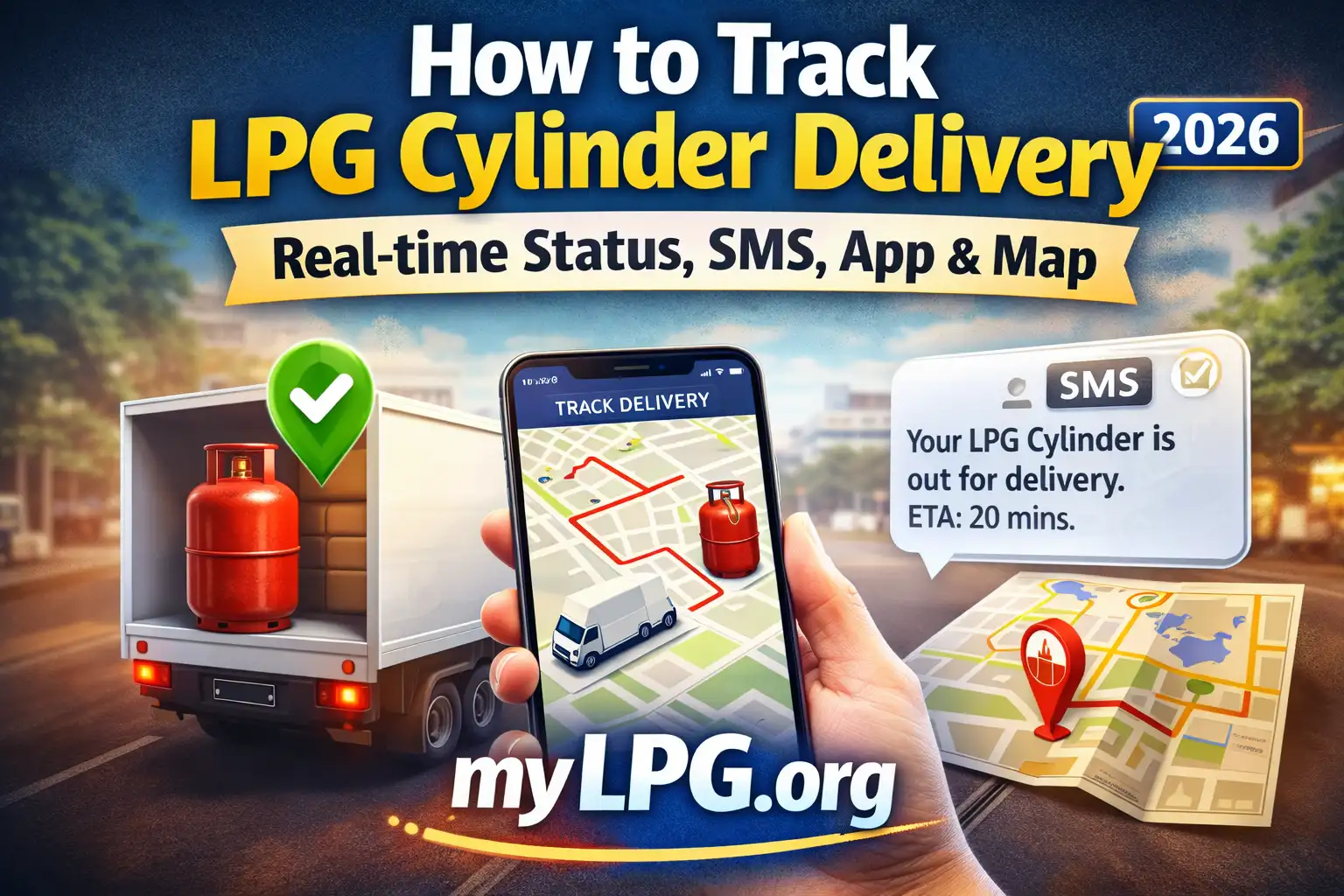
🚚 Bharat Gas Booking के बाद Delivery Status कैसे देखें?
Booking करने के बाद सबसे जरूरी है delivery का wait time जानना। इसे चेक करने के 3 तरीके हैं:
✔ MyBharatGas App – Best Tracking
- Cash memo generated
- Expected delivery date
- Delivered or pending
- Delivery boy dispatched
✔ SMS Alerts
हर stage पर SMS आता है।
✔ Online Portal
“Track Cylinder” सेक्शन में status दिख जाता है।
Read Also:LPG Gas Cylinder Price Today – All States 2025
🕒 Bharat Gas Delivery Time – कितने दिन लगता है?
- Metro cities → 1 day
- Tier-2 cities → 1–2 days
- Villages → 2–4 days
Festival seasons या peak winter में थोड़ा extra time लग सकता है।
🔍 Bharat Gas Booking Not Working? (Common Issues)
❌ OTP not received
→ Try again or use IVRS method.
❌ App not loading
→ Logout & login / clear cache.
❌ Booking declined
→ Consumer number mismatch या KYC pending हो सकता है।
❌ Cash memo generated but delivery late
→ Delivery route issue—next 24 hrs में आ जाता है।
✨ Tips to Make Bharat Gas Booking Faster
- Registered mobile number update रखें
- App में auto-pay enable करें
- WhatsApp booking सीखें—it’s fastest
- Booking monthly schedule follow करें
- Weekend पर booking avoid करें
Read Also:गैस Subsidy मिस क्यों हो रही है – कारण और 100% काम करने वाले Solutions
🙏 Conclusion
अब आप आसानी से समझ गए कि Bharat Gas Booking के सभी latest methods क्या हैं और किस तरह आप 10–20 seconds में अपनी गैस बुक कर सकते हैं। WhatsApp हो, IVRS हो, mobile app हो या online portal—हर user के लिए best option available है।
अगर आपको booking में कोई issue आ रहा हो, आप screenshot भेजें—मैं आपकी पूरी सहायता करूँगा।
❓ FAQs
WhatsApp method सबसे तेज़ और आसान है।
नहीं, आप delivery पर cash/pay कर सकते हैं।
1–3 days depending on location.
हाँ, लेकिन OTP verification अलग-अलग करना पड़ता है।
हाँ, delivery 24–48 hours में हो जाती है।